Fluorescence Crosstalk: DAPI in the GFP Channel Explained
Wiki Article
DAPI signal appearing in the GFP channel almost always stems from spectral overlap, DAPI photoconversion, or improper filter/laser settings. Below are the key causes and quick fixes.
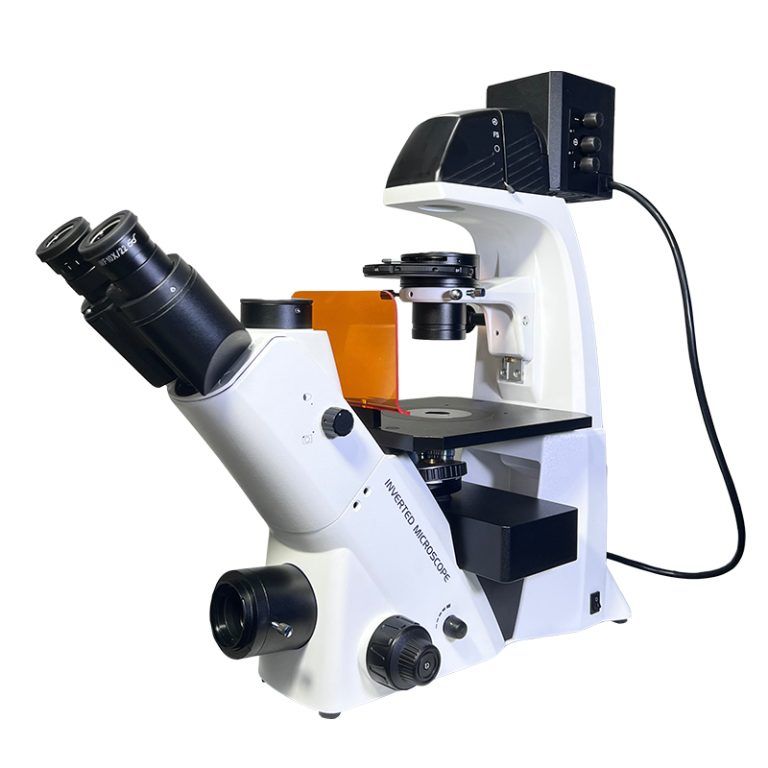
- BDS500 Inverted Fluorescence Microscope
Top 3 Causes
1. Spectral bleed-through (emission crosstalk)
DAPI emission extends slightly into the green window. Wide GFP emission filters easily capture this tail, creating apparent crosstalk.
2. DAPI photoconversion
UV excitation converts a fraction of DAPI into a green-emitting species, which is directly detected in the GFP channel—especially strong with prolonged illumination.
3. Instrument setting errors
- 405 nm laser/scattered UV leaks into the GFP path
- Mismatched filter sets or overly broad bandpass windows
- High laser power intensifies the non-specific signal.
Quick Fixes
- Use narrower GFP emission filters to block DAPI’s green tail
- Lower DAPI concentration and reduce UV exposure time to limit photoconversion
- Switch to spectrally separated nuclear stains (e.g., Hoechst alternatives)
- Optimize laser power and add sequential scanning to avoid cross-excitation
- Run a DAPI-only control to confirm bleed-through vs. true GFP signal